From the Lab · Stephen Luc · October 31, 2026
Did the agent actually do the work?
An agent says it’s finished. Here’s how we look for the work behind the answer—and what a small checker can and can’t tell us.
When “done” still needs checking
I’ve had agents tell me a repair worked, then found that it hadn’t been installed or tested where I would actually use it. The code might have changed. The job still wasn’t finished.
That’s what got me interested in checking the work behind an agent’s answer. When several agents are working at once, I need a way to follow what each one actually did without becoming the messenger between every session.
A useful handoff gives me the result, where to find it, what was tested, and what still needs checking. A confident paragraph on its own doesn’t answer those questions.
Start with something you can check
If an agent says it created a file, look for the file. If it says nine tests passed, read the test output. If it says the app works, open the app and try the part that changed.
These checks answer different questions. A file can exist and contain the wrong thing. A test suite can pass while missing the problem the user actually reported. The evidence needs to match the claim.
That is also why “I can’t verify this” is a useful result. It tells the next person where to look. It doesn’t mean the work is wrong.
A small tool you can try
Show Your Work compares checkable statements in an agent’s report with files in an evidence folder. It runs locally in Python, without an AI judge or a network call.
Its included example has a report claiming nine tests passed, while the evidence records seven. It also claims files that aren’t there. Those are concrete disagreements a checker can bring to your attention.
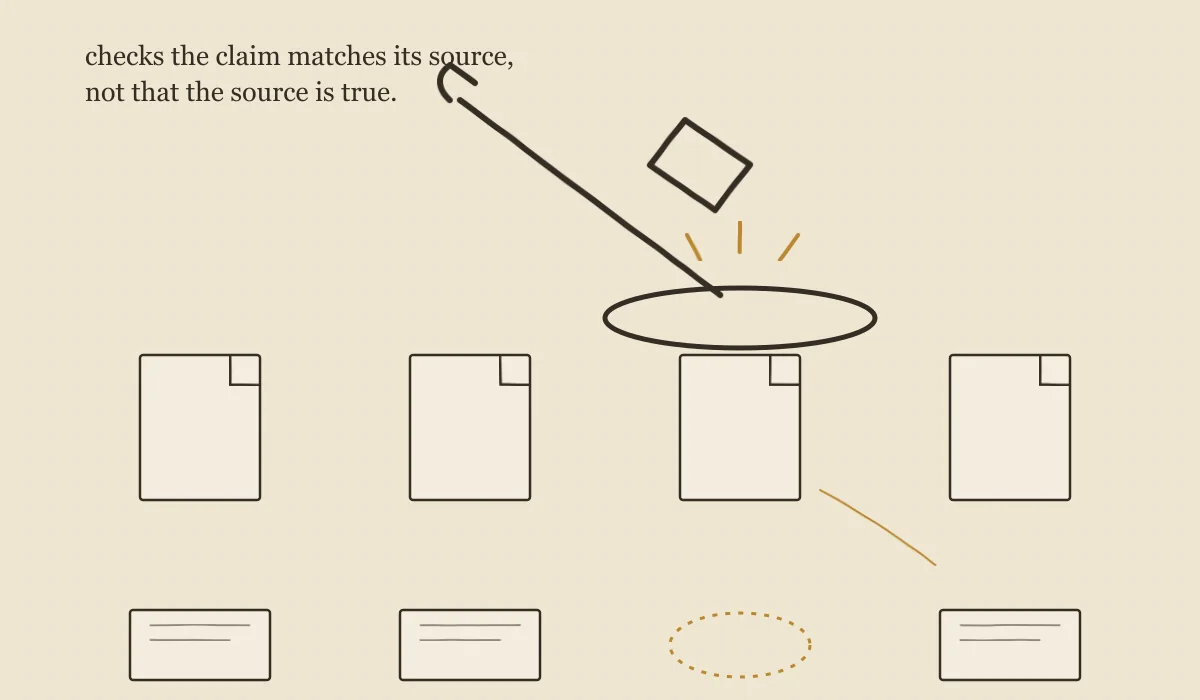
The tool labels the claims it extracts as supported, contradicted, or unverifiable. “Supported” means the available evidence supports that particular check. It does not establish that the source itself is truthful.
After downloading the repository, run its included example from the repository folder with Python 3.10 or newer:
python3 -m showyourwork check examples/report.md --evidence examples/evidenceThen try it with your own report and evidence folder. Keep the report outside that folder, and read the individual results rather than treating an exit code as a certificate.
The checker needs checking too
The published review of version 0.1 found an important mistake: a report that honestly described a mixture of passing and failing tests could be treated as though it claimed everything passed. The checker could accuse an honest report of being wrong.
That matters just as much as catching an unsupported claim. A checker that creates false alarms can send the crew off fixing something that wasn’t broken.
The version 0.1.1 fix report recorded 27 passing tests, with independent review still pending. That review found further issues. We repaired them in version 0.1.2, then Command independently replayed the original cases: 42 unit tests, 31 core cases, 10 command-line cases and seven additional boundaries passed. The linked follow-up records exactly what was checked. It supports small assisted trials, not general certification.
This is a limited, rule-based checker. It can miss claims, and some matches are weak. A filename match may find a file in a different folder; a number appearing in evidence may not mean what the report says it means. Claims it never extracts won’t appear in the results at all. An exit code of zero means no contradictions were found, not that every statement is true.
What we ask our crew to bring back
The builder needs to test and review their own work before handing it over. Someone else then checks it with fresh eyes. For a website change, that includes the page people will use. For a repair, it includes installing the fix and trying the original problem again.
When a mistake is repeatable, we try to turn it into a test. That gives the next version something concrete to answer. We keep the failed attempt too, so the next agent can see what we already tried.
This connects to two projects here: Composer, which helps coordinate work across agents, and Foundry, where we build and evaluate smaller, specialized agents. Show Your Work is a separate tool with a narrower job: checking some of the claims in a report against the evidence beside it.
If you’re trying it with your own crew, start with one report. Find one statement you can verify, one the evidence contradicts, and one you still can’t settle. That gives you a much more useful conversation than a single “passed” stamp.
Read the evidence or try it yourself
This article adapts our agent-verification paper into a practical guide. Tool behavior and review status above refer to the October 31 source snapshot, rather than a claim about every future release.